Sword Fights on the Heights IV SFOTH IV Controls Guide
Master slash, lunge, hotbar swaps, and camera habits that win trades.
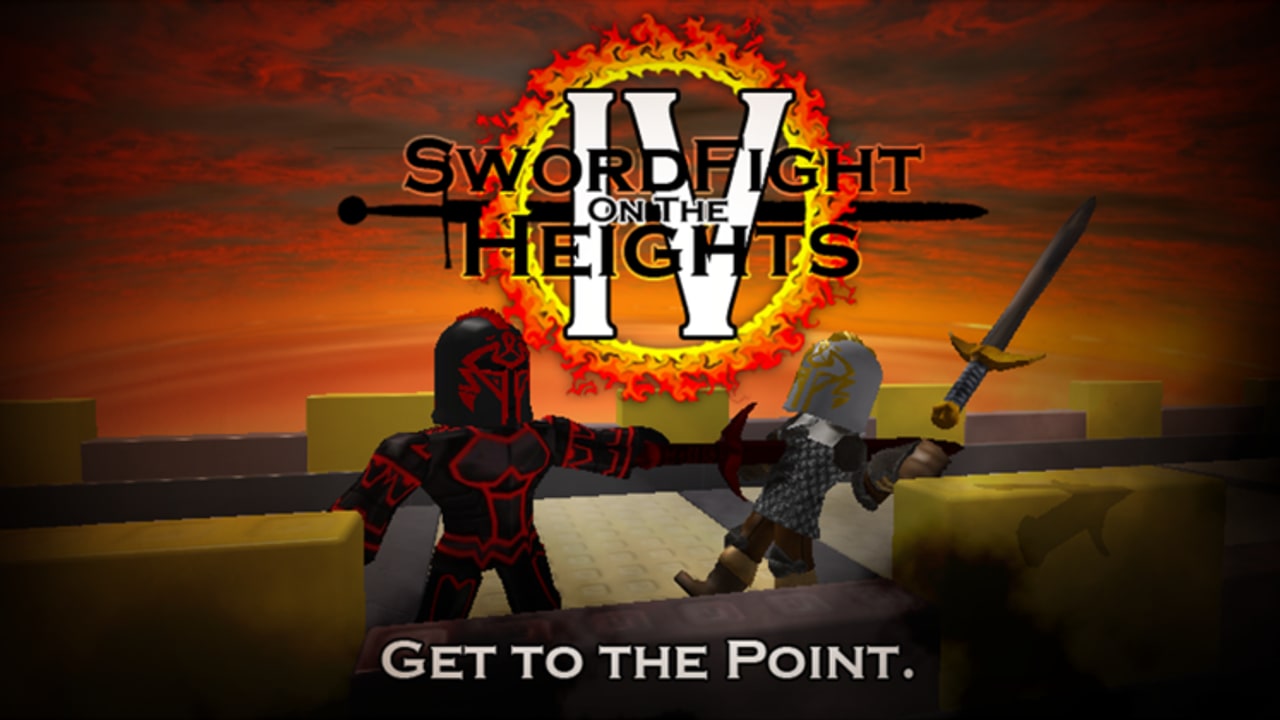
Why controls matter more than raw sword tier
In Sword Fights on the Heights IV, almost every blade shares the same click language. The difference between a free fall into the void and a clean KO is usually timing, camera angle, and how fast you can swap tools—not a secret keybind. This page is the input deep dive that pairs with Getting Started and feeds directly into Combat tips.
Core attack inputs (desktop)
Slash (single click)
- Input: one left mouse button click while a sword is equipped.
- Feel: shorter commitment, quicker recovery, safer when you are edge-walking.
- Use when: you are measuring distance, finishing a weakened opponent, or holding a narrow beam where a lunge would yeet you off the map.
Lunge (double click)
- Input: two quick left clicks.
- Feel: longer thrust, stronger damage on most blades, forward propulsion.
- Use when: you need reach, you are jumping into a trade, or you are building Illumina aerial momentum.
If your double-click is too slow, Roblox registers two slashes instead of one lunge. If it is mashed too frantically, you can commit into a wall or off a ledge. Practice the cadence in the Locus where dying is not an immediate ego bruise.
Jump + lunge synergy
Many winning trades are jump → lunge, not grounded spam. Aerial lunges with Illumina multiply jump height and create the famous darting movement that defines modern SFOTH clips. Grounded lunges still matter for surprise reach on flat pads. Learn both; do not only practice flashy air moves.
Hotbar switching
SFOTH IV is an inventory game as much as a clicking game. You will often hold:
- A movement sword (Illumina or Ghostwalker)
- A damage or utility sword (Darkheart, Firebrand, Windforce, etc.)
- Touchstone for emergency Locus teleports
- Situational gear such as medkits, armor, or spheres depending on what you found
Practical hotbar habits
- Put primary movement and Touchstone on adjacent slots. When a fly attempt fails, you need Touchstone in one keypress, not a panic scroll.
- Number keys beat scroll wheel in fights. Scrolling while tracking an opponent is how people equip the wrong blade mid-lunge.
- Pre-plan swaps before you leave the Locus. Decide “Illumina for approach, Darkheart for brawl”before the portal animation ends.
- Unequip before some platforming. Holding a long sword while precision jumping can make camera and hitbox feel worse on tight trusses.
Double-Illumina flying (covered in Combat tips) is literally a hotbar skill: lunge on Illumina A, swap, lunge on Illumina B, repeat while airborne. If your swap is clumsy, the “glitch”never leaves the ground.
Camera and movement basics
Camera height and zoom
- Keep the camera high enough to see ledge edges behind you.
- Zoom out slightly on open pads so knockback trajectories are readable.
- Zoom in only for precision beam crossings or when you need to click a tiny interactable during events.
Strafing and edge respect
Most beginner deaths are self-inflicted. Strafe with A/D while keeping the void in your peripheral vision. After any knockback sword trade (Windforce especially), immediately reorient the camera toward safe ground before you mash another lunge.
Shift lock / mouse lock preferences
Players disagree on shift lock. Some prefer free camera for Illumina freestyle; others lock for consistent tracking. Pick one and practice it for a full session instead of toggling mid-fight. Consistency beats theory.
Mobile and touch controls
SFOTH IV supports mobile, but the classic arena was built around mouse timing.
- Slash / lunge on touch: tap versus double-tap equivalents; latency and fat-finger mistakes are common on small screens.
- Jump button overlap: historically, Shedletsky patched cases where shop UI drew over the jump button. If a UI element covers jump, leave the menu immediately.
- Hotbar on mobile: plan a smaller inventory. Two swords + Touchstone is more realistic than a full museum.
- Cameras on gyro or drag: disable overly sensitive camera settings if lunges feel random.
If you are learning Illumina fly, do it on desktop first. Transfer the timing to mobile later if you must.
Shop history (and why it confuses people)
Classic SFOTH IV has had an in-game shop at various points in its long life. Players bought or browsed gear-related options depending on the era. For The Hunt: Roblox 20 preparation window, the experience was updated toward R15 and the shop was disabled so the anniversary flow stayed clean. That means:
- Do not follow outdated “buy this from the SFOTH shop”guides while the shop is off.
- Do not confuse a disabled shop with a missing Codes menu—classic Heights still has no promo-code redemption. See Codes.
- When the shop returns in a future patch, treat it as optional convenience, not a replacement for learning map spawns in Sword locations.
Always verify what the live place shows after you join. Patch notes land on Updates.
Training drills (10 minutes each)
- Lunge metronome: in the Locus, practice clean lunges only—no slashes—until double-click consistency is boring.
- Swap drill: Illumina → Touchstone → Darkheart on number keys without looking at the hotbar.
- Edge walk: traverse a long beam using only slashes; add lunges only when you can stop before the void.
- Approach drill: leave a Locus portal, reach a sword pedestal, Touchstone home without fighting anyone.
- Camera recover: let Windforce (or a friend) knock you, then practice re-centering before the next input.
These drills transfer straight into real duels and into event sword collecting where panic inputs waste time.
Controls checklist before a serious session
- Mouse double-click speed feels consistent.
- Movement sword and Touchstone are adjacent.
- Camera zoom is comfortable for both beams and open pads.
- You know how to open/close any leftover shop or menu UI so it cannot block jump.
- You have skimmed Getting Started if this is still week one.
- You know where you are going after the first portal—see Sword locations.
Related guides
- Getting Started —first-session loop
- Sword locations —where controls take you
- Combat tips —Illumina fly, FF heals, streaking
- Hunt Roblox 20 —event objectives using the same inputs
- Secret Quest —launcher hops need clean jump timing
- Tier list —which swords deserve hotbar slots
- Guides Hub —full index
Bottom line
SFOTH IV controls are simple on paper and demanding in motion. Own slash versus lunge, keep Touchstone one key away, and treat the camera as part of your defense. Once the inputs are boring, the map and matchups in the sibling guides start to make sense.
Frequently Asked Questions
Quick answers to the most common questions.
How do I lunge in Sword Fights on the Heights IV?
Double-click the attack input while a sword is equipped. A single click is a slash; two quick clicks perform the longer lunge thrust.
Why do my lunges sometimes register as two slashes?
Your double-click gap is too slow. Practice a tighter click cadence in the Locus until the lunge animation consistently appears.
What should I put next to Illumina on the hotbar?
Touchstone. Failed flight paths and bad trades need an instant saferoom teleport more than a third vanity sword.
Does SFOTH IV play well on mobile?
It is playable, but double-tap lunges and hotbar swaps are harder on touch screens. Learn core timing on desktop if you can.
Is the in-game shop required to play?
No. Map pickups are the real progression. The shop has been disabled during some event updates, including Hunt preparation.
Which guide pairs with Controls next?
Read Sword Locations to apply movement, then Combat Tips to turn hotbar skill into winning habits.